
Essential Hardware for Professional Digital Illustration
In the rapidly evolving world of digital art, having the right hardware is crucial for professional digital illustrators. Whether you’re sketching whimsical characters, creating intricate landscapes, or designing logos, your tools can significantly impact your creative output. This article explores the essential hardware for professional digital illustration, helping you understand what equipment will best support your artistic journey.
Understanding Digital Illustration Hardware
Digital illustration hardware refers to the physical tools and devices that artists use to create digital artwork. This includes everything from graphic tablets and styluses to powerful computers and monitors. Choosing the right hardware can not only improve your workflow but also enhance the quality of your work.
The Importance of Quality Hardware
Quality hardware can mean the difference between a frustrating creative process and an enjoyable, productive experience. For example, a high-resolution monitor allows you to see your colors and details accurately, while a responsive stylus provides the precision needed for intricate designs. Investing in the right tools is an investment in your craft.
Essential Hardware Components for Digital Illustration
1. Graphic Tablets
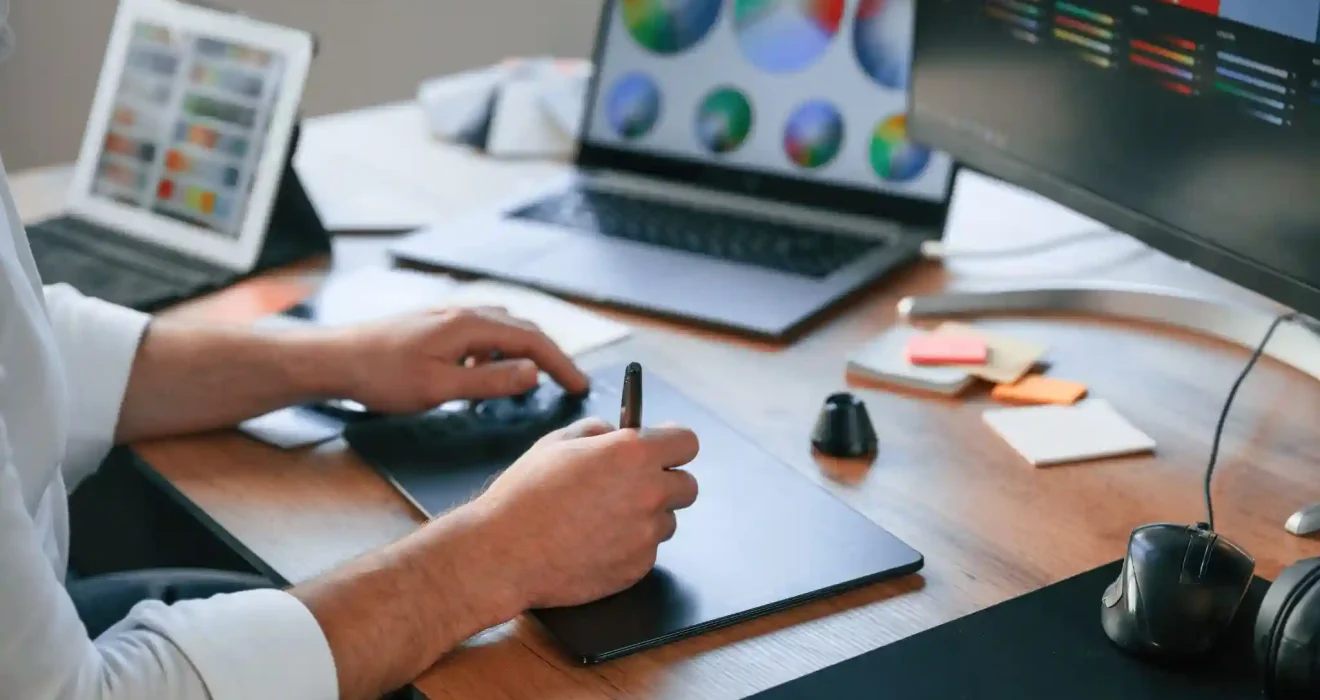
Graphic tablets are undoubtedly the cornerstone of digital illustration hardware. They provide a direct and intuitive way to draw and paint digitally. Unlike traditional drawing methods, graphic tablets enable a seamless transition from sketching on paper to creating art on a computer.
Choosing the Right Tablet
When selecting a graphic tablet, consider factors such as size, pressure sensitivity, and compatibility with your preferred software. Popular options include Wacom’s Cintiq series, which features a built-in display, and the Huion Kamvas series, known for its affordability and performance.
For instance, many professional illustrators prefer the Wacom Cintiq Pro 24 for its exceptional colour accuracy and responsive touch. This combination allows artists to create detailed illustrations with ease. On the other hand, beginners might find the Huion Kamvas Pro 16 more accessible while still retaining essential features.
2. Styluses
A stylus is a critical accessory for any graphic tablet. The right stylus will feel comfortable in your hand and provide the necessary pressure sensitivity for varying line weights and opacity.
Features to Look For
When selecting a stylus, look for features such as tilt recognition, customizable buttons, and ergonomic design. The Wacom Pro Pen 2, for example, offers 8,192 levels of pressure sensitivity, making it a favourite among professional artists.
Artists like Lisa Congdon emphasise the importance of a good stylus, stating, “Your stylus should feel like an extension of your hand. It’s crucial for achieving the precision and fluidity you want in your work.”
3. Computers
A powerful computer is essential for running digital illustration software smoothly. The hardware specifications you require will depend on the complexity of your projects and the software you use.
Specifications to Consider
When choosing a computer, prioritise a fast processor, ample RAM, and a high-quality graphics card. For instance, an Intel i7 processor with at least 16GB of RAM can handle most illustration tasks efficiently.
Many artists prefer Mac computers for their reliability and seamless integration with creative software. However, high-performance Windows PCs can offer similar capabilities at often lower prices. It’s essential to choose a system that fits your workflow and budget.
4. Monitors
While many graphic tablets come with built-in displays, having an additional monitor can greatly enhance your digital illustration experience. A high-resolution monitor allows for more precise work and a better view of your artwork.
The Benefits of a Quality Monitor
Look for a monitor that offers 4K resolution and excellent colour accuracy. The BenQ PD3220U is a popular choice among illustrators for its stunning visuals and precise colour reproduction.
Having dual monitors can also significantly increase your productivity. You can have your illustration software open on one screen while referencing images or tutorials on another. This setup minimizes interruptions and enhances your workflow.
The Role of Accessories in Digital Illustration
In addition to the main hardware components, several accessories can improve your digital illustration experience.
1. Drawing Gloves
A drawing glove is a simple yet effective accessory that can enhance your drawing experience. It reduces friction between your hand and the tablet surface, allowing for smoother strokes.
Many professional illustrators recommend using a glove to prevent smudging and to keep your tablet clean. It’s a small investment that can significantly enhance your comfort while working on long projects.
2. External Hard Drives
Digital illustration projects can take up a substantial amount of storage space. Having an external hard drive can help you manage your files efficiently. This is especially important for artists working on large projects or those who need to keep archives of previous work.
Choose an external hard drive with a fast transfer speed and sufficient capacity. SSDs (Solid State Drives) are faster and more reliable than traditional HDDs, making them an excellent choice for creatives on the go.
3. Calibration Tools
Color accuracy is paramount in digital illustration. Using calibration tools ensures that your monitor displays colors accurately. This is especially crucial when preparing work for printing or when collaborating with other artists.
Tools like the X-Rite i1Display Pro can help you calibrate your monitor, ensuring that the colors you see on-screen match the final output. This attention to detail can elevate the quality of your digital illustrations.
Real-Life Examples of Successful Artists
To illustrate the importance of quality digital illustration hardware, let’s look at a few successful artists and their setups.
Case Study: Aaron Blaise
Aaron Blaise, a former Disney animator and renowned illustrator, shares his workspace in various tutorials. He uses a Wacom Cintiq for its responsive drawing surface and appreciates the ability to see his artwork up close. His setup also includes a powerful desktop computer with ample RAM, allowing him to run multiple applications simultaneously without lag.
Case Study: Lisa Congdon
Artist Lisa Congdon emphasizes the role of technology in her creative process. She often uses an iPad Pro with the Apple Pencil, enjoying the portability and ease of use. Congdon’s setup reflects a blend of traditional and digital techniques, showcasing how artists can leverage hardware to enhance their unique styles.
Expert Insights on Digital Illustration Hardware
We reached out to industry experts to gather insights on the importance of quality hardware in digital illustration. Graphic designer and educator John Smith states, “Investing in reliable hardware is not just about performance; it’s about comfort and efficiency. The right tools allow artists to focus on their creativity instead of technical issues.”
Illustrator Sarah Jones adds, “Quality hardware can inspire creativity. When your tools work seamlessly together, you’re free to explore your artistic vision without frustration.” These insights reinforce the idea that investing in high-quality digital illustration hardware can lead to enhanced creativity and productivity.
Conclusion
In the realm of digital illustration, having the right hardware is essential for achieving professional results. From graphic tablets and styluses to powerful computers and monitors, each component plays a vital role in your creative process. By prioritizing quality equipment, you can enhance your workflow, improve your efficiency, and ultimately elevate your artwork.
Whether you’re a seasoned professional or just starting, understanding the importance of digital illustration hardware will empower you to make informed decisions about your tools. Remember, investing in the right hardware is an investment in your creativity.
FAQs
What is the best graphic tablet for professional illustrators?
The Wacom Cintiq Pro is often considered the best graphic tablet for professionals due to its high resolution, responsive touch, and extensive feature set, making it ideal for detailed illustrations.
Do I need a powerful computer for digital illustration?
Yes, a powerful computer with a fast processor, ample RAM, and a good graphics card is essential for running digital illustration software smoothly and efficiently, especially for complex projects.
How important is color accuracy in digital illustration?
Color accuracy is crucial in digital illustration, especially when preparing artwork for print. Using calibrated monitors and color management tools ensures that your colors are true to what you intended.