
Digital Illustration Handbook: Software and Workflows
In the world of digital art, the tools and techniques you choose can make all the difference. Whether you’re a seasoned illustrator or just starting your artistic journey, understanding digital illustration software and workflows is essential. This handbook will guide you through the landscape of digital tools, helping you select the right software and establish efficient workflows that enhance your creativity. With the right knowledge and resources, you can transform your artistic vision into breathtaking digital illustrations.
Understanding Digital Illustration Software
What Is Digital Illustration Software?
Digital illustration software encompasses a range of programs designed for creating artwork using a computer. These tools allow artists to draw, paint, and manipulate images digitally. Unlike traditional mediums, digital software provides unique features such as layers, undo options, and a variety of brushes and textures. This flexibility enables artists to experiment freely without the constraints of physical materials.
The Benefits of Using Digital Illustration Tools
The advantages of digital illustration software are numerous. Firstly, the ability to work in layers allows for more organized and non-destructive editing. You can experiment with different elements without affecting the entire composition. Additionally, digital tools often come with a vast array of brushes and textures, enabling you to mimic traditional techniques while also exploring new styles.
Moreover, the convenience of digital art cannot be overstated. You can easily share your work online, print high-quality copies, and even create animations. This versatility can significantly broaden your artistic horizons and open new avenues for creativity.
Popular Digital Illustration Software
Adobe Illustrator: The Industry Standard
Adobe Illustrator is renowned as the gold standard for digital illustration. Its vector-based design capabilities allow artists to create scalable graphics without losing quality. With a robust set of tools for drawing, typography, and color manipulation, Illustrator is ideal for creating everything from logos to intricate illustrations.
The software’s user-friendly interface, combined with extensive resources and tutorials, makes it accessible for both beginners and professionals. While the learning curve can be steep, mastering Illustrator can greatly enhance your illustration skills and provide a solid foundation for future projects.
Procreate: A Favorite for iPad Artists
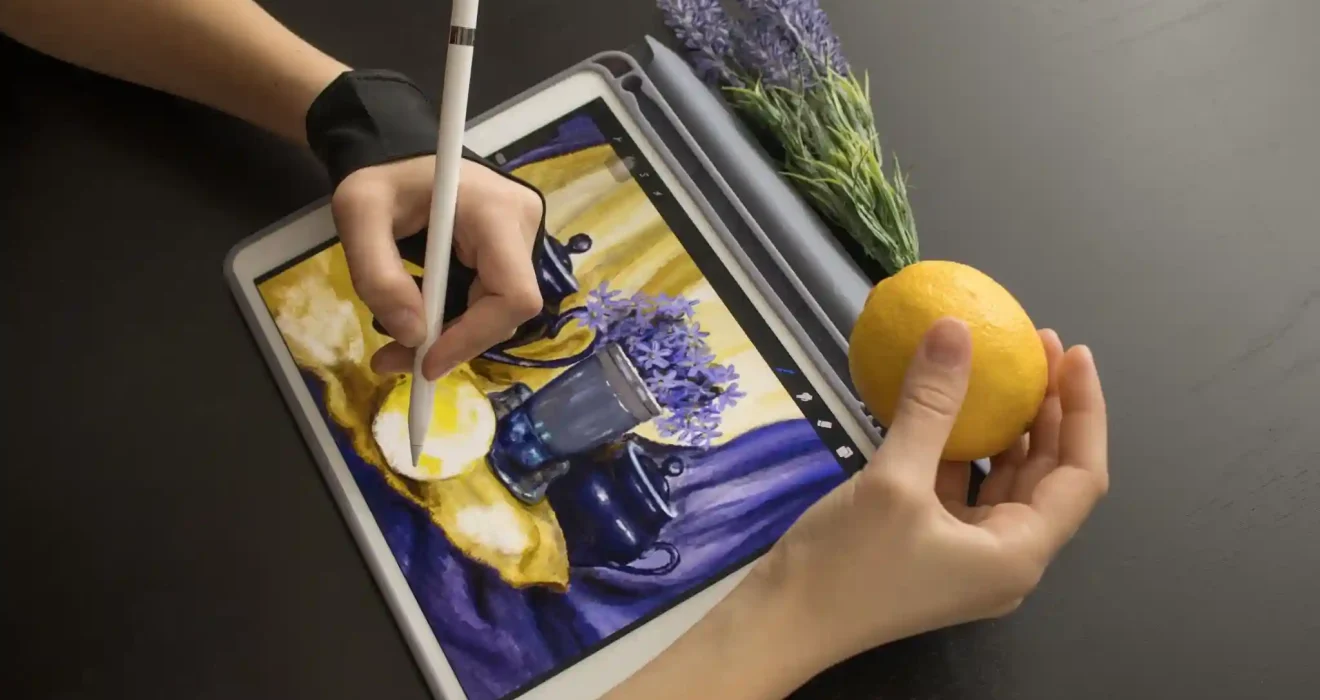
Procreate has gained immense popularity among digital artists, especially those using the iPad. This intuitive app offers a natural drawing experience, making it feel almost like traditional drawing. With a vast selection of brushes, customizable tools, and a simple interface, Procreate allows artists to create stunning illustrations on the go.
One of the standout features of Procreate is its ability to handle high-resolution canvases, making it suitable for professional work. The app also supports animation, giving artists the opportunity to bring their illustrations to life. For those who appreciate a tactile drawing experience, Procreate is a game-changer.
Establishing Your Workflow
The Importance of a Structured Workflow
A well-defined workflow is crucial for maximizing productivity and creativity in digital illustration. Establishing a structured process allows you to streamline your work, minimize distractions, and focus on your artistic vision. A good workflow helps you manage your projects effectively, ensuring that you meet deadlines without sacrificing quality.
Your workflow should encompass everything from brainstorming ideas and sketching concepts to finalizing details and preparing your artwork for presentation. By developing a routine that works for you, you can enhance your efficiency and creativity.
Steps to Create an Efficient Workflow
Creating an efficient workflow begins with organizing your workspace. Ensure that your software is set up to your liking, with frequently used tools easily accessible. This might involve customizing toolbars or creating shortcuts for the features you use most often.
Next, establish a reliable system for managing your projects. This could involve keeping a digital sketchbook for brainstorming ideas, organizing files into folders, and naming your layers clearly in your software. A consistent naming convention will save you time when navigating complex projects.
Additionally, consider setting specific goals for each session. Whether it’s finishing a sketch or refining colors, having clear objectives will keep you focused and motivated. Regularly reviewing your progress and adjusting your workflow as needed will help you remain adaptable and improve your process over time.
Mastering Techniques in Digital Illustration
Exploring Brush Techniques
One of the most exciting aspects of digital illustration is the variety of brushes available. Understanding how to use different brushes effectively can elevate your artwork. Experiment with various brush types, such as textured brushes for adding depth or soft brushes for smooth gradients.
Each brush has unique characteristics, so take the time to explore how they affect different surfaces. Mastering brush techniques will not only enhance the visual quality of your illustrations but also help you develop a distinctive style.
Color Theory and Application
Color is a powerful tool in digital illustration. Understanding color theory will enable you to make informed choices that enhance your artwork. Learn about the color wheel, complementary colors, and color harmony to create visually striking compositions.
When applying color, consider the mood and emotion you want to convey. Use bright, warm colors for energetic scenes and cooler tones for calm atmospheres. Experimenting with different color palettes can lead to exciting discoveries and unique visual narratives.
Expert Advice for Aspiring Illustrators
We spoke with experienced digital illustrators who shared invaluable insights. Illustrator Maria Gonzalez emphasizes the importance of practice and experimentation. “Don’t be afraid to try new techniques or explore different styles. The more you experiment, the more you’ll discover what resonates with you,” she advises.
Additionally, networking within the digital art community can provide support and inspiration. Engaging with fellow artists through social media, forums, or local workshops can help you gain feedback and learn from others’ experiences.
Conclusion
Navigating the world of digital illustration software and workflows can be both exciting and overwhelming. However, by understanding the tools available and establishing an efficient workflow, you can unlock your full creative potential. Whether you choose industry-standard software like Adobe Illustrator or user-friendly apps like Procreate, the key lies in practice and exploration. Embrace the journey, and let your imagination guide you as you create stunning digital artwork.
What are the key features to look for in digital illustration software?
When choosing digital illustration software, consider features such as layer management, brush customization, vector versus raster capabilities, user-friendly interface, and compatibility with various devices. These elements can significantly enhance your creative workflow and overall drawing experience.
Can I use a tablet for digital illustration?
Yes, using a tablet for digital illustration is highly recommended. Tablets, especially those with pressure sensitivity, provide a more natural drawing experience. They often come with styluses that allow for precise control, making it easier to create detailed artwork.
How do I choose the right brush for my illustration style?
Choosing the right brush depends on your preferred illustration style and the effects you want to achieve. Experiment with different brush types, such as textures for a painterly look or smooth brushes for crisp lines, to find what best suits your artistic voice.
Is it necessary to learn color theory for digital illustration?
While not mandatory, understanding color theory greatly enhances your digital illustrations. It helps you make informed color choices, create depth, and evoke emotions effectively. Mastering color relationships can elevate your work and improve visual harmony in your compositions.
How can I find inspiration for my digital illustrations?
Inspiration can be found everywhere nature, art, photography, and even in everyday life. Explore various sources like social media, art communities, or online galleries. Keeping a sketchbook to jot down ideas and concepts can also help cultivate your creativity and spark new ideas.